Sign out
End the current web session and clear the private support view on a shared device.
On this page (3 sections)
End the web session
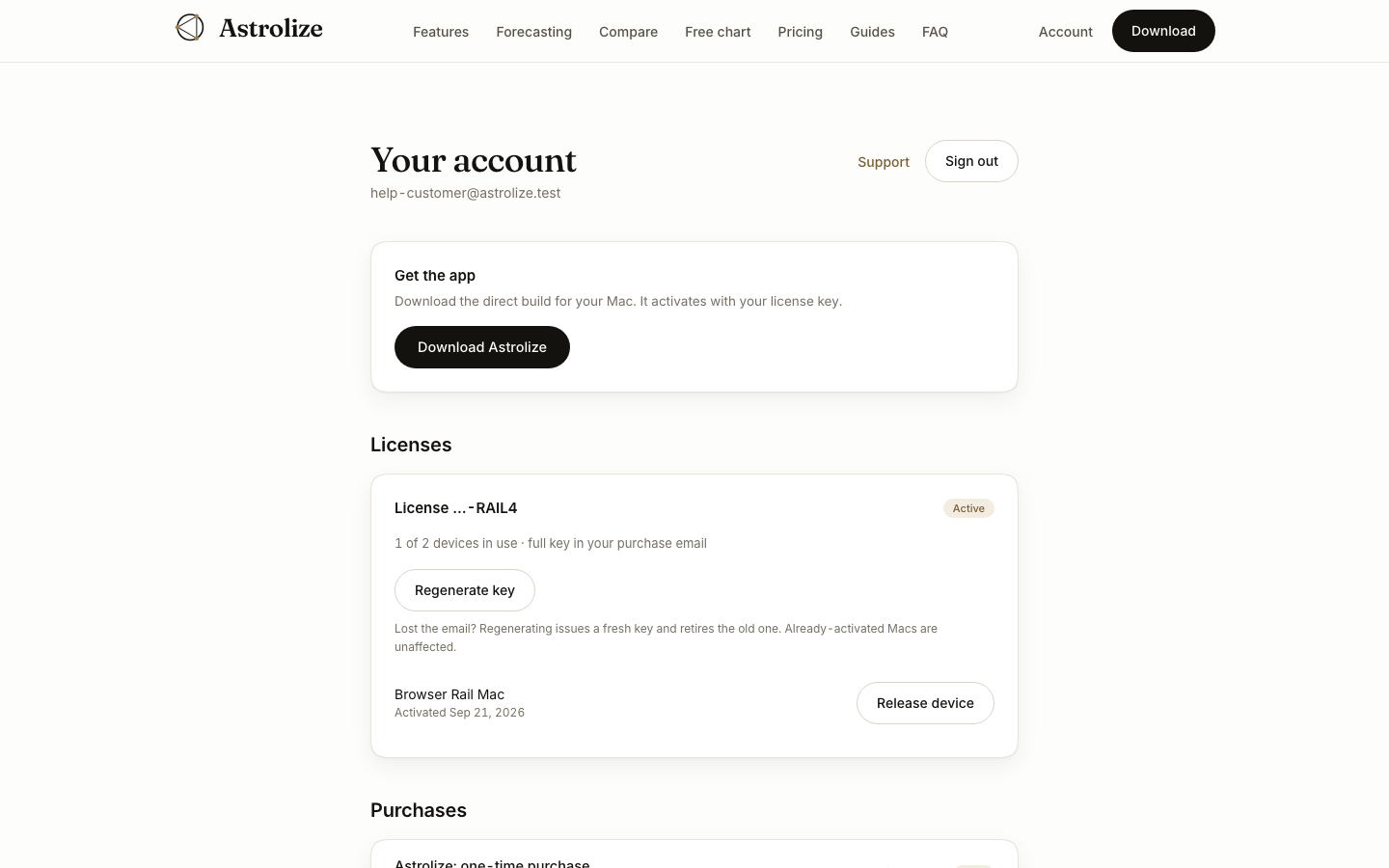
Open Your account and choose Sign out in the header. Wait for the action to complete before leaving a shared device. Signing out ends the current website session; it does not deactivate the Mac app or free a direct license seat.
Check the private view
After signing out, private account support should no longer be available without signing in again. The support view is cleared when the account session ends. Do not treat closing a tab as equivalent to signing out.
Protect access to your inbox
A person with access to your email may be able to request another sign-in link. On a shared computer, sign out of your mail account too and close any open receipt or download messages. Do not save a sign-in link in a shared bookmark.
If Sign out fails, keep the browser under your control and retry once connectivity returns rather than assuming the session ended.