Magic link not arriving
Check the address and mail folders and request a fresh link without sharing it.
On this page (3 sections)
Check the address
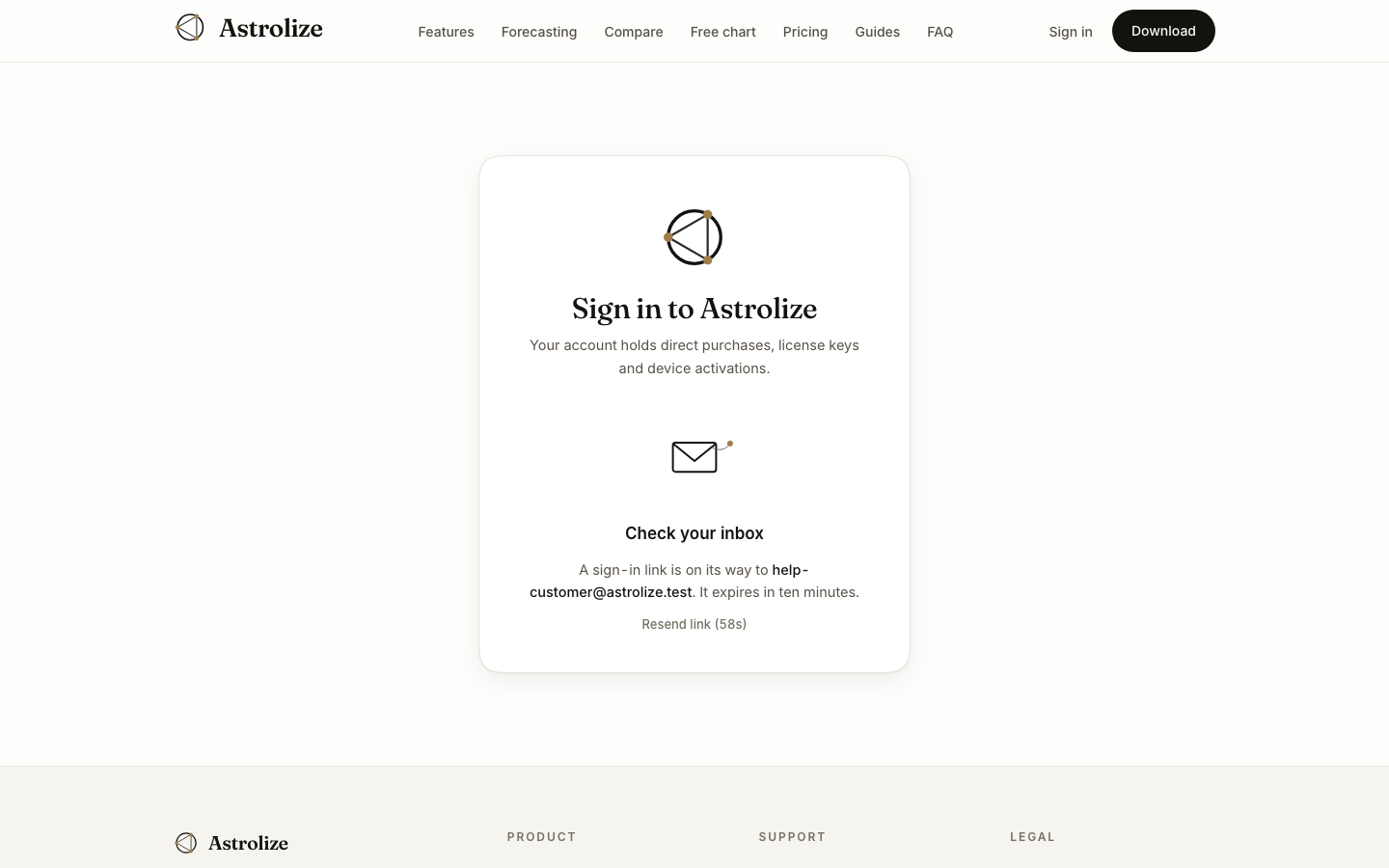
Return to /sign-in and confirm the email spelling. Use the direct purchase address if you are trying to recover a purchase, or the invited address for partner access. A link sent to a different inbox cannot reveal records attached to the intended account.
Check delivery folders
Look in spam, junk and archived mail. If an organization filters messages, check whether its mail service quarantined the message. Request a fresh link after checking the address rather than repeatedly submitting the form.
Use the newest message
Links expire after ten minutes. Open the newest message promptly; an old link may already be unusable. If the website reports too many requests, wait before trying again rather than cycling through addresses.
If delivery still fails, contact the email shown on /support with the requested address and approximate request time. Do not send passwords or mail account recovery codes.