Buy on the website
Complete direct checkout and find the account and license email for your purchase.
On this page (3 sections)
Check the purchase channel
Astrolize is a professional-grade astrology studio built natively for macOS. A direct purchase uses an Astrolize account and a license key. It is separate from an Apple purchase.
Complete checkout
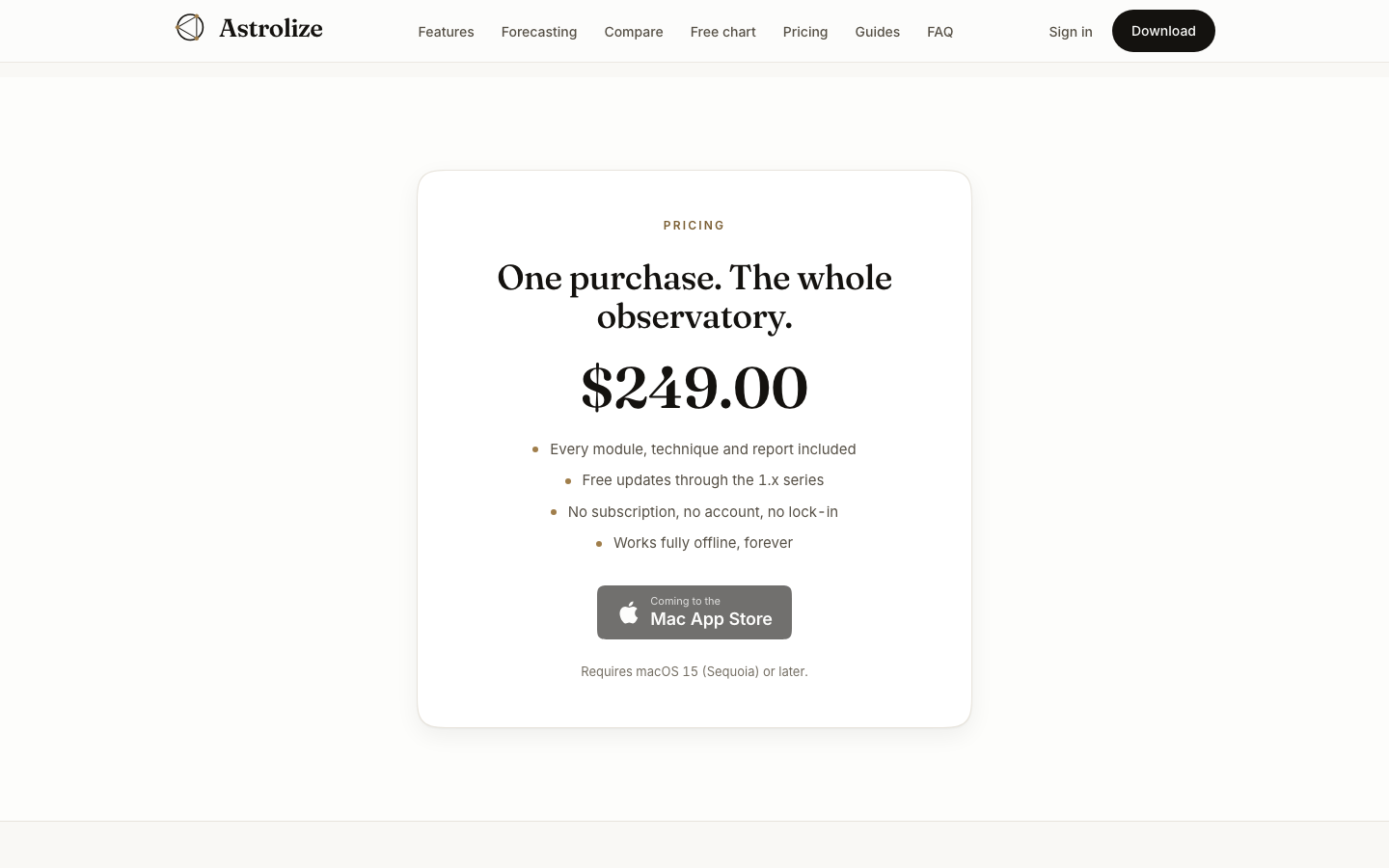
Open the pricing section on astrolize.app. If direct checkout is not available, do not use a payment link from an unofficial source.
When checkout is available, check the amount and enter an email address you can access. Keep that address for signing in later.
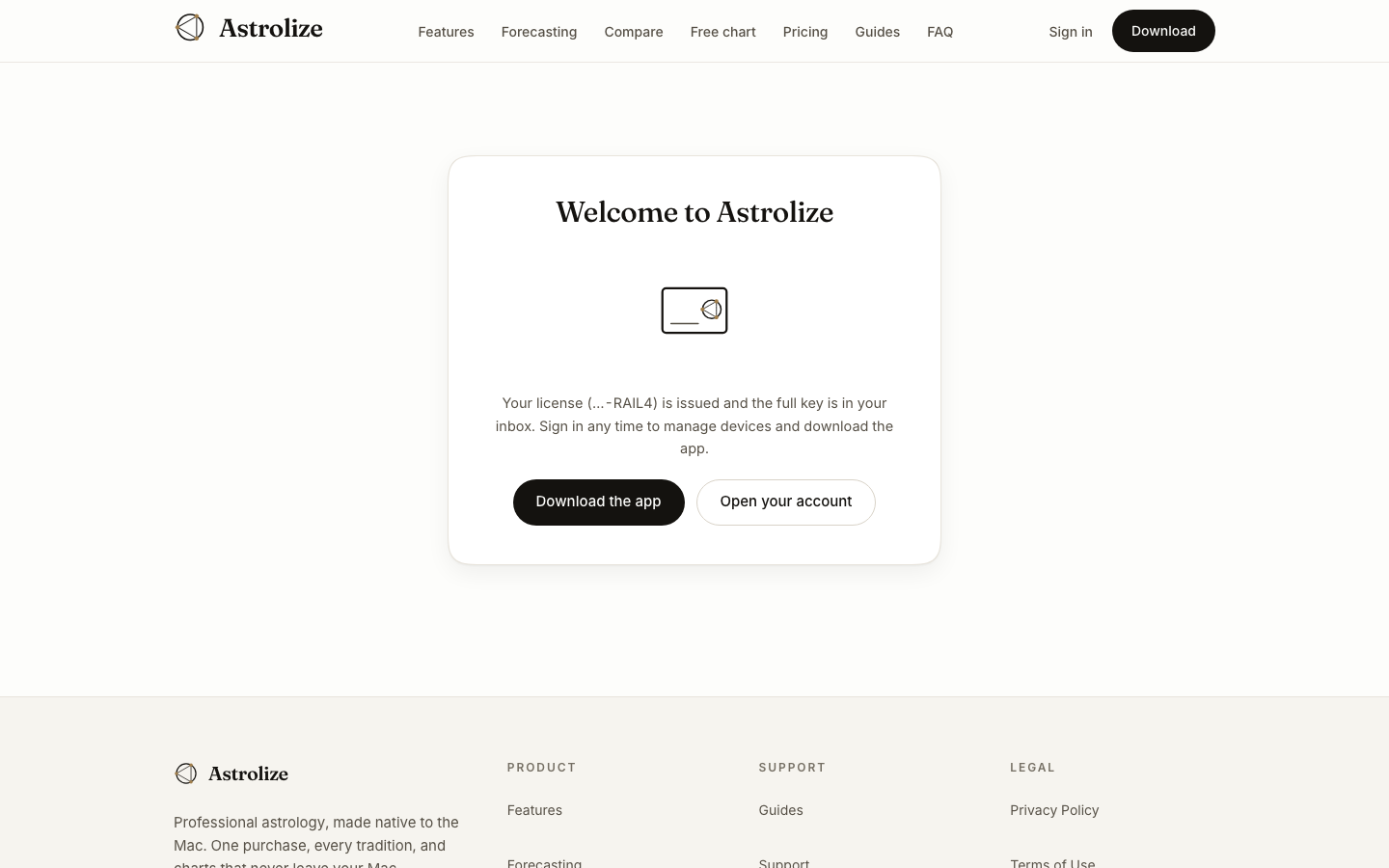
Complete payment through Stripe and return to the purchase result page. Allow the page to finish checking the purchase before trying again.
Find your purchase
Astrolize sends the license delivery email to the purchase address. Open Your account and check Licenses and Purchases. The account shows the key suffix after the word License, not the full key.
If the result is still pending, check your email and account before making another payment. Checkout cancelled means that checkout did not charge you; Back to pricing returns to the offer.