Download link expired
Sign in and request a fresh short-lived download link instead of reusing an old one.
On this page (3 sections)
Request a new link
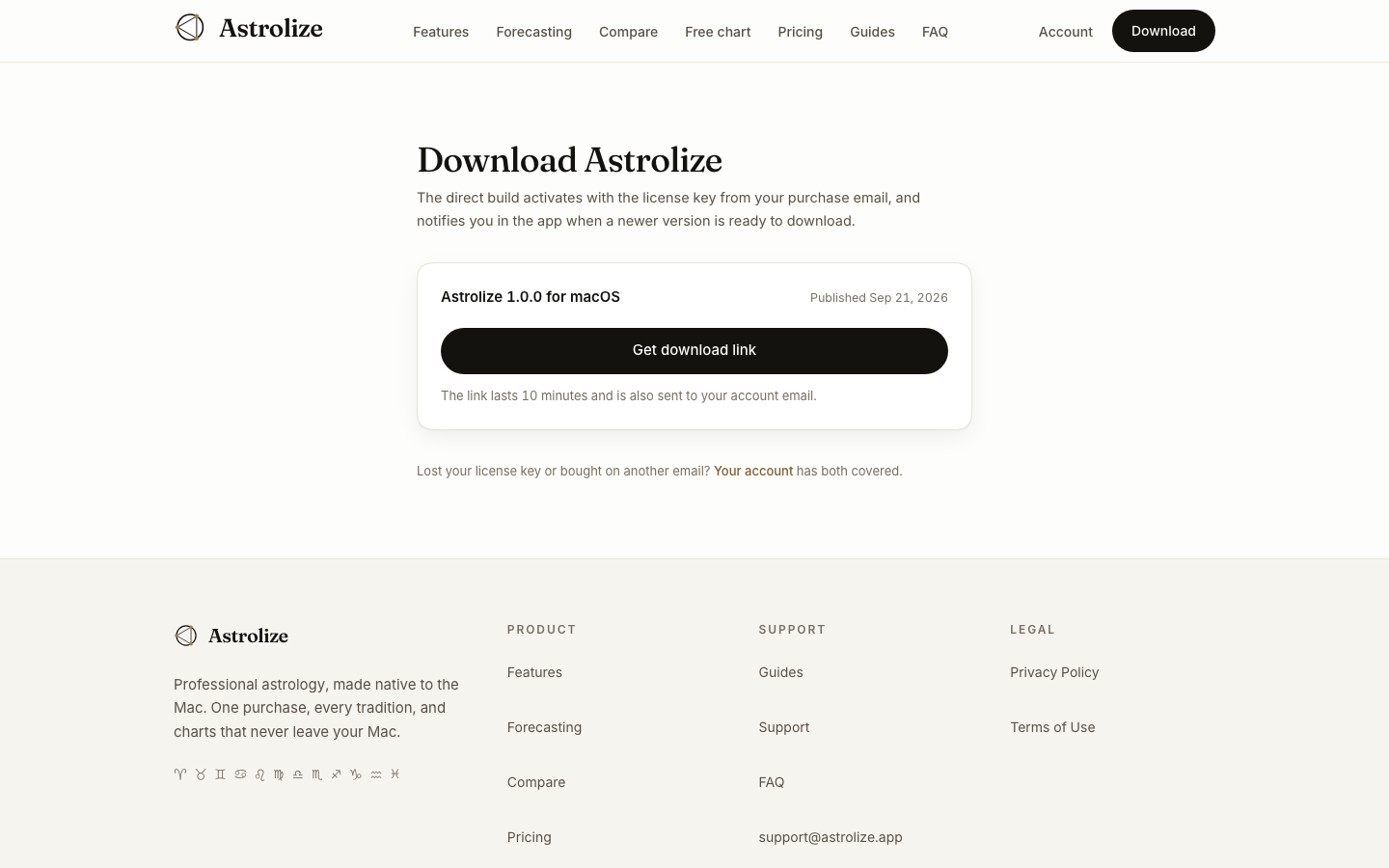
Direct download links last ten minutes. An old email or browser history entry may contain an expired link even though the license is still eligible.
Sign in at /sign-in with the direct purchase address.
Open /download or choose Download Astrolize in Your account.
Request a fresh link for the available macOS build and use it promptly.
Read the page state
If Downloads open shortly appears, no published build is currently available there. If the account has no eligible direct license, check the address and purchase channel rather than repeatedly opening the old link.
An App Store purchase downloads through Apple, not the direct account page. Expiration of a website download URL is separate from app activation and does not by itself mean a key needs regeneration.
Ask for help safely
If a newly requested link also fails, report the time of the attempt and the visible error. Do not paste the private download URL, its query string or the full license key into your message.