Understand device seats
Check your license's actual device allowance and current activations before adding a Mac.
On this page (3 sections)
Read your allowance
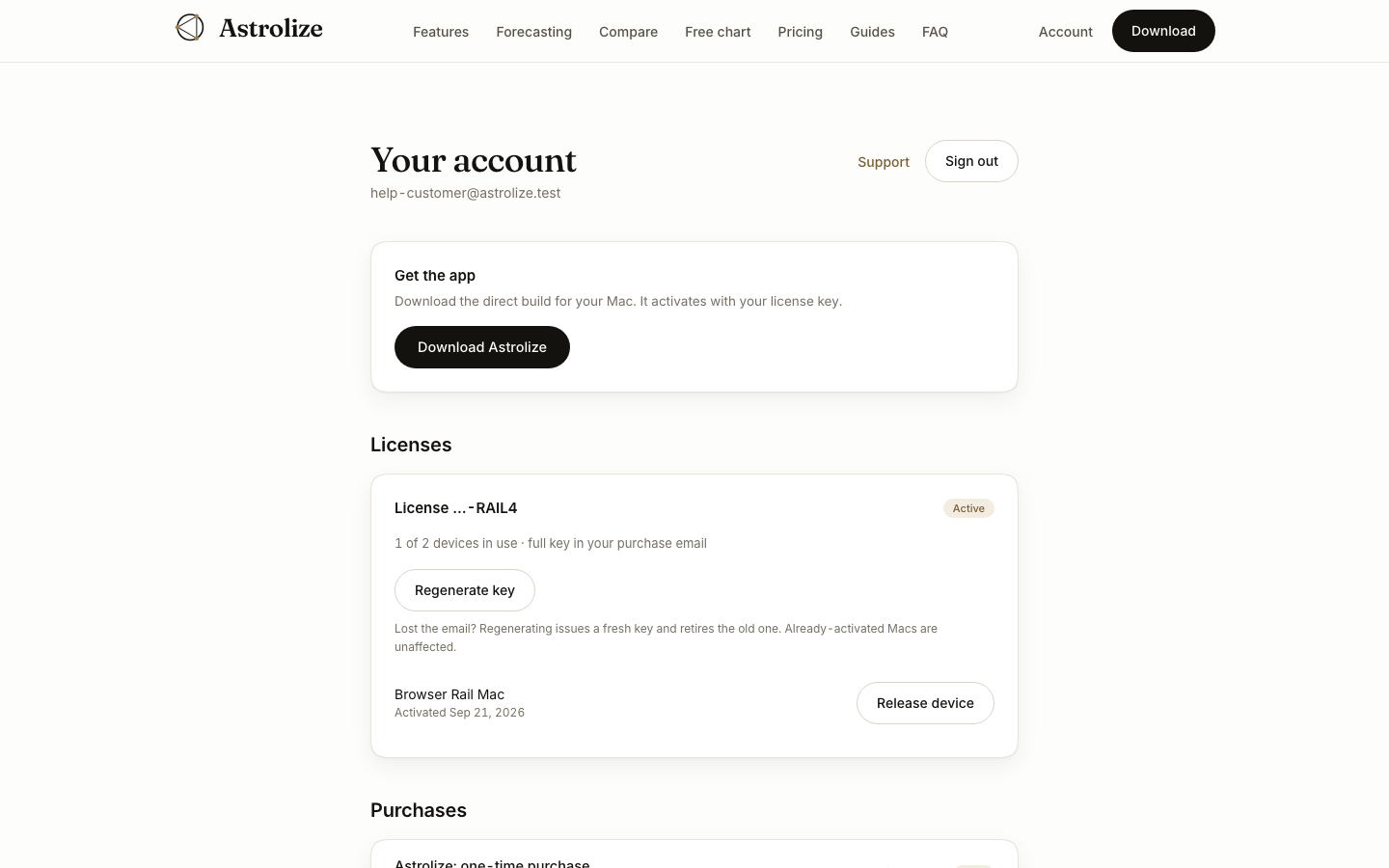
Open Your account and find the relevant entry under Licenses. The devices in use line shows the current count and that license's actual allowance. Use that number rather than assuming every license has the same limit.
Review the devices
Check the device names and activation dates underneath the license. A seat represents an activated Mac, not a chart file or a web browser session. Signing out of the website does not deactivate the app.
Before adding a Mac
If there is a free seat, activate the direct build on the new Mac with the current key. If the allowance is full, identify a Mac that no longer needs the license before releasing its seat.
App Store ownership does not use this direct license seat list.