What to include in a support message
Share the relevant app version and steps while leaving out keys and unnecessary personal data.
On this page (3 sections)
Include the useful facts
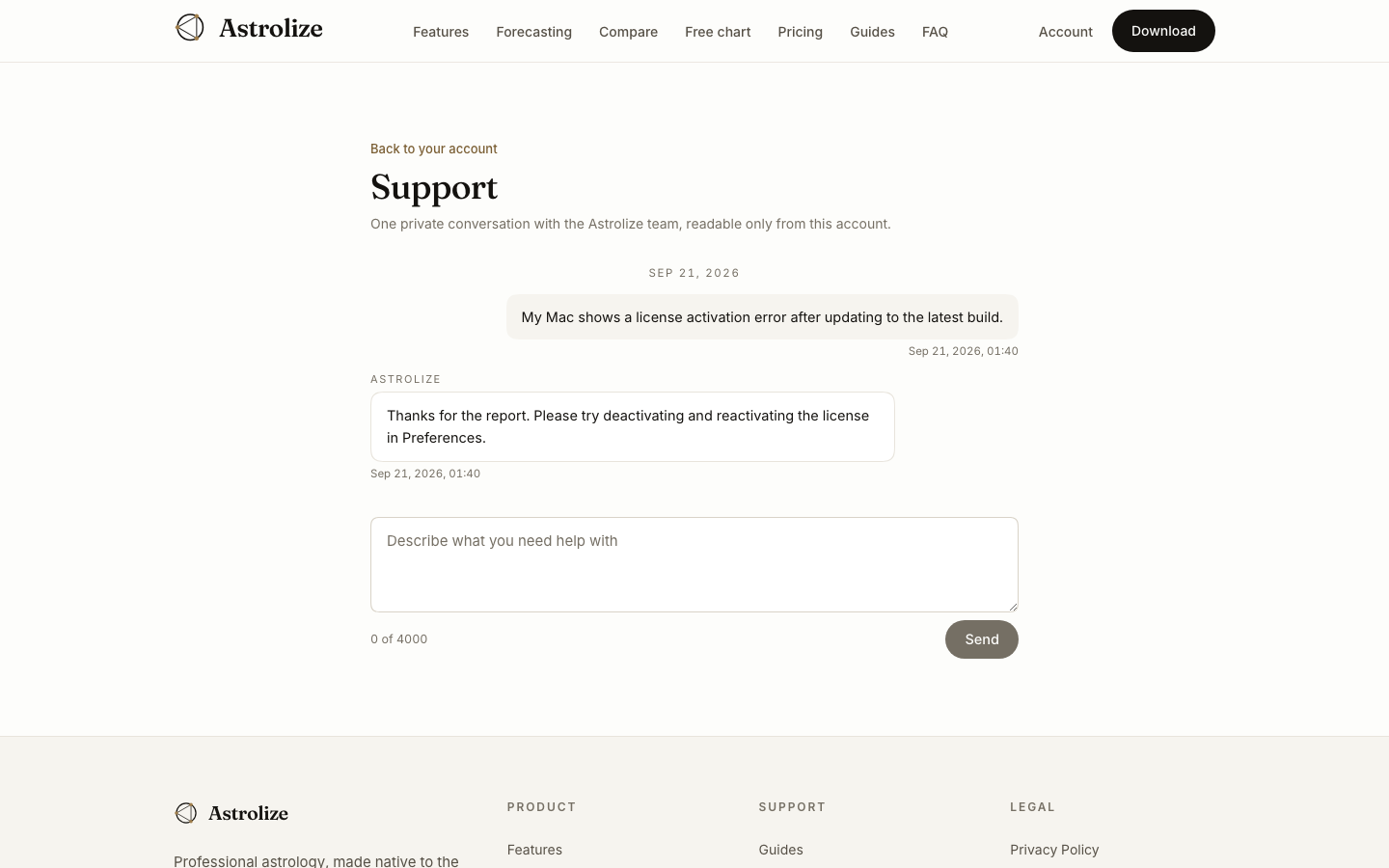
Start with the task you were trying to complete and the page or app view involved. Include the Astrolize version from About Astrolize and the macOS version from About This Mac. For purchase or activation questions, say whether the purchase was direct or through Apple.
Describe the problem briefly
Give the steps, the expected result and the actual result. Include the visible error wording. For calculations, list the relevant house system, zodiac, coordinate system, time zone and minimal birth data needed to reproduce the issue.
Send and return for replies
Use Support in Your account for a private text conversation, or the email address on /support. The account conversation stores messages and read progress. It checks for replies periodically, and there are no chat email notifications, so return to the account to check.
Chat has no attachments. Offer screenshots by email only after removing names, notifications and other private material.