Sign in with a magic link
Request a sign-in link and use the same email address as your direct purchase.
On this page (3 sections)
Request your link
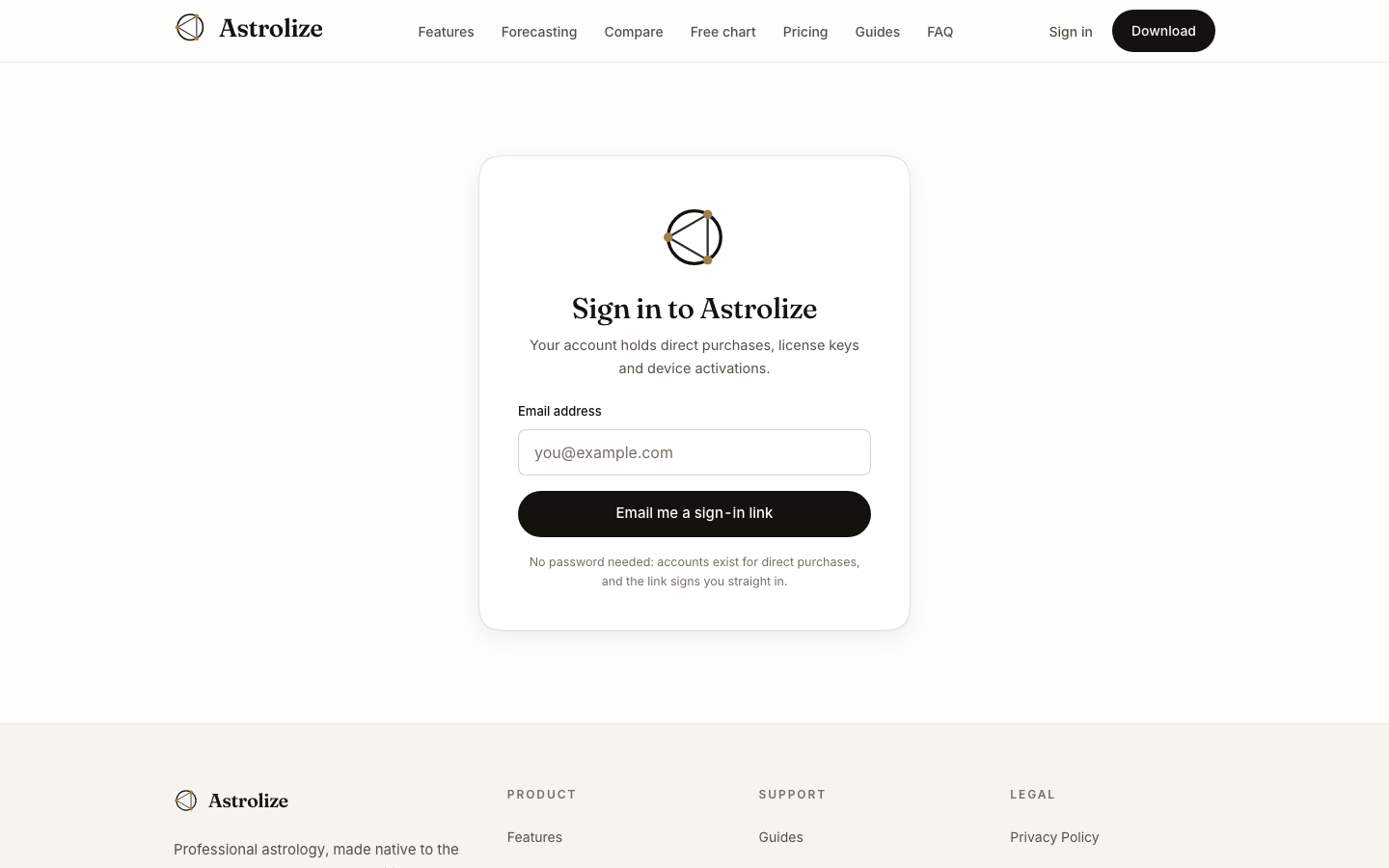
Open the Sign in page at /sign-in.
Enter the email address used for your direct purchase. Partner access also belongs to the email address invited to the program.
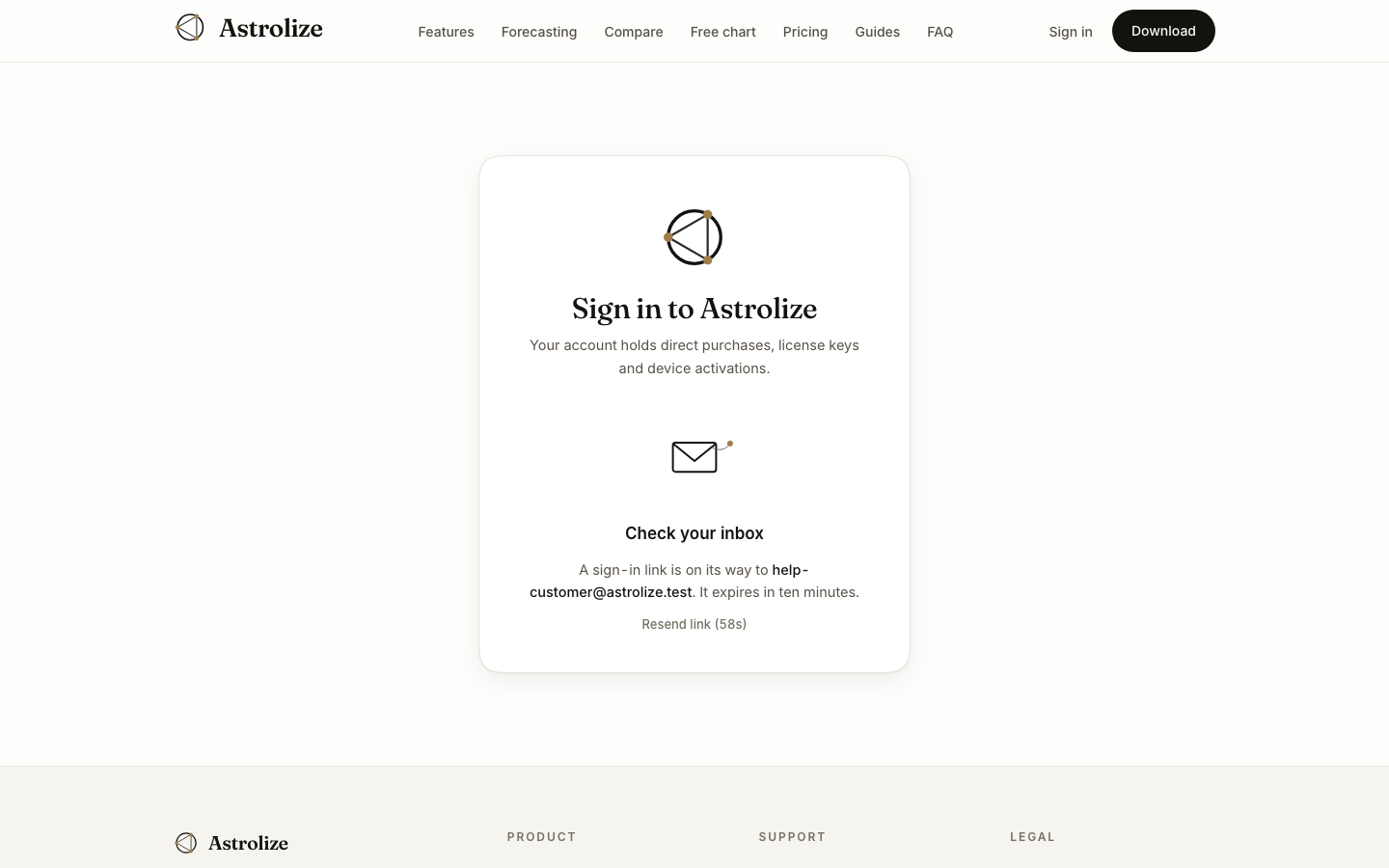
Choose Email me a sign-in link. When Check your inbox appears, open that inbox. Astrolize sends a sign-in link instead of asking for a password.
Open the email
Open the newest link within ten minutes. If it has expired, return to Sign in and request another. Do not forward the message: someone with the link may be able to enter your account.
Check the account address
After signing in, Your account shows the signed-in email above Licenses and Purchases. If a direct purchase is missing, compare that address with the purchase receipt before requesting help.
An App Store purchase belongs to your Apple account and does not create a direct license here. Signing in alone does not buy the app.