Import, export and backups
Export supported chart/settings files and keep independent backups of your work.
On this page (2 sections)
A chart file, a readable report and a settings file preserve different things. Use Iris Vale's saved chart as a small export-and-check exercise before moving a larger library. A license activation does not copy the chart collection, and a website sign-in is not a backup of the records stored on this Mac.
Keep settings separate from chart records
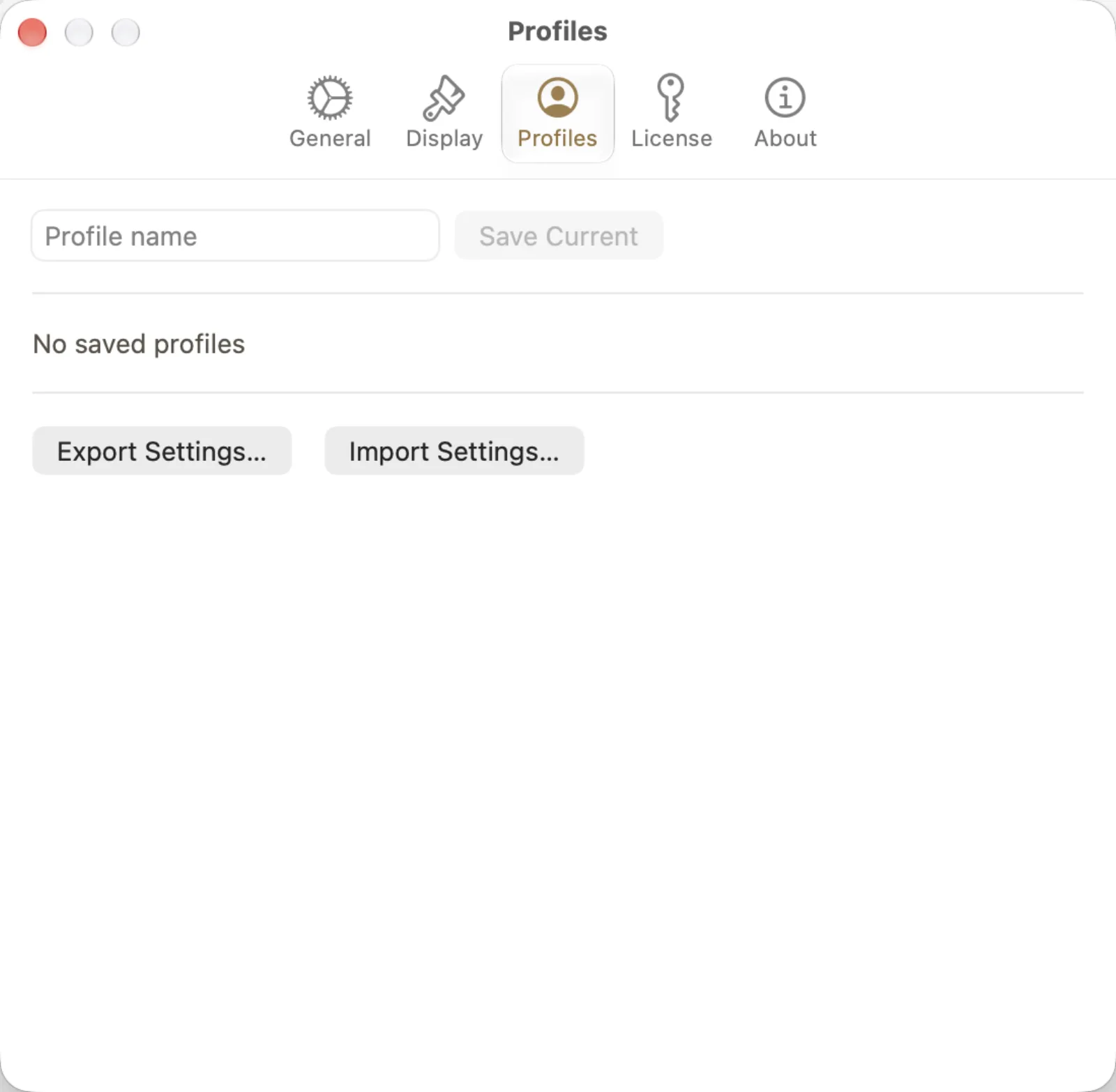
Open Astrolize > Settings and choose Profiles. The capture shows Profile name, Save Current, No saved profiles, Export Settings... and Import Settings.... A settings export preserves supported current preferences, not a complete archive of named profiles. If you want a particular saved profile's preferences, load that profile before exporting. Check Coordinate System separately after import; it is not included in the settings file.
Open Iris Vale in Saved Charts and choose Export Chart for an .astrochart file.
Keep an independent copy of that file before changing the installation or removing the record.
Use Export Settings... in Profiles for the supported preferences, keeping that file separate from the chart export.