Find your license key
Locate the full direct license key in your purchase email and identify its account hint.
On this page (3 sections)
Find the full key
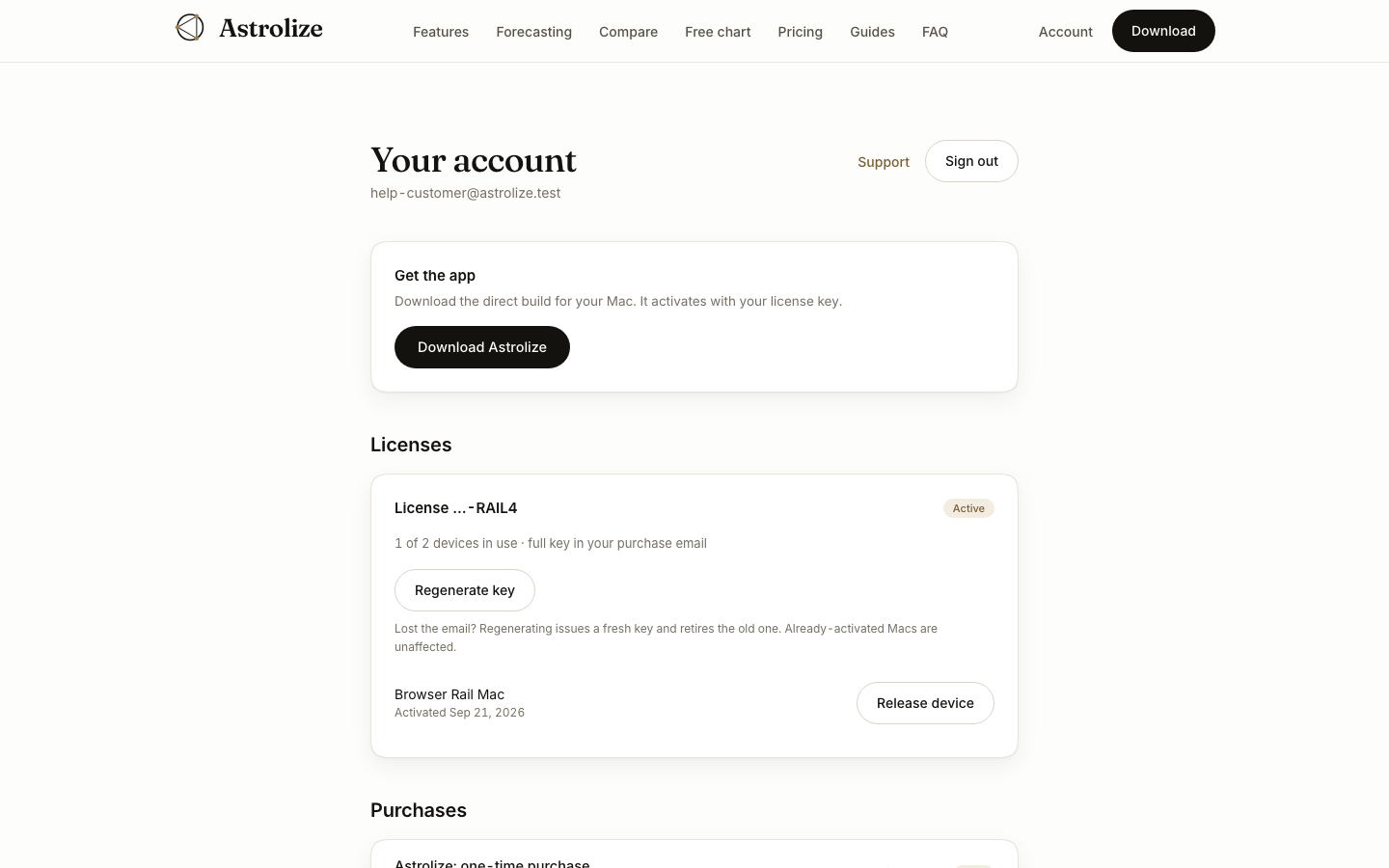
Search the inbox used for your direct purchase for the Astrolize license delivery email. The original full key is in that message. A regenerated key is also shown once in the account. Copy the current key carefully for activation and keep it in a private place.
Match the account hint
Sign in at /sign-in with the same address and open Your account. Under Licenses, compare the key suffix shown after the word License with your email. The website deliberately shows only a hint and the number of devices in use, not the full stored key.
If the email is missing
Check spam and archived mail first. If the license is active and the original email cannot be found, use the account's key regeneration action. That issues a replacement and retires the old key for new activations; already activated Macs remain unaffected.
App Store purchases have no direct key and do not appear in this list.