Find receipts and purchases
Find direct purchase totals in your account and request the correct provider's receipt.
On this page (3 sections)
Check the purchase record
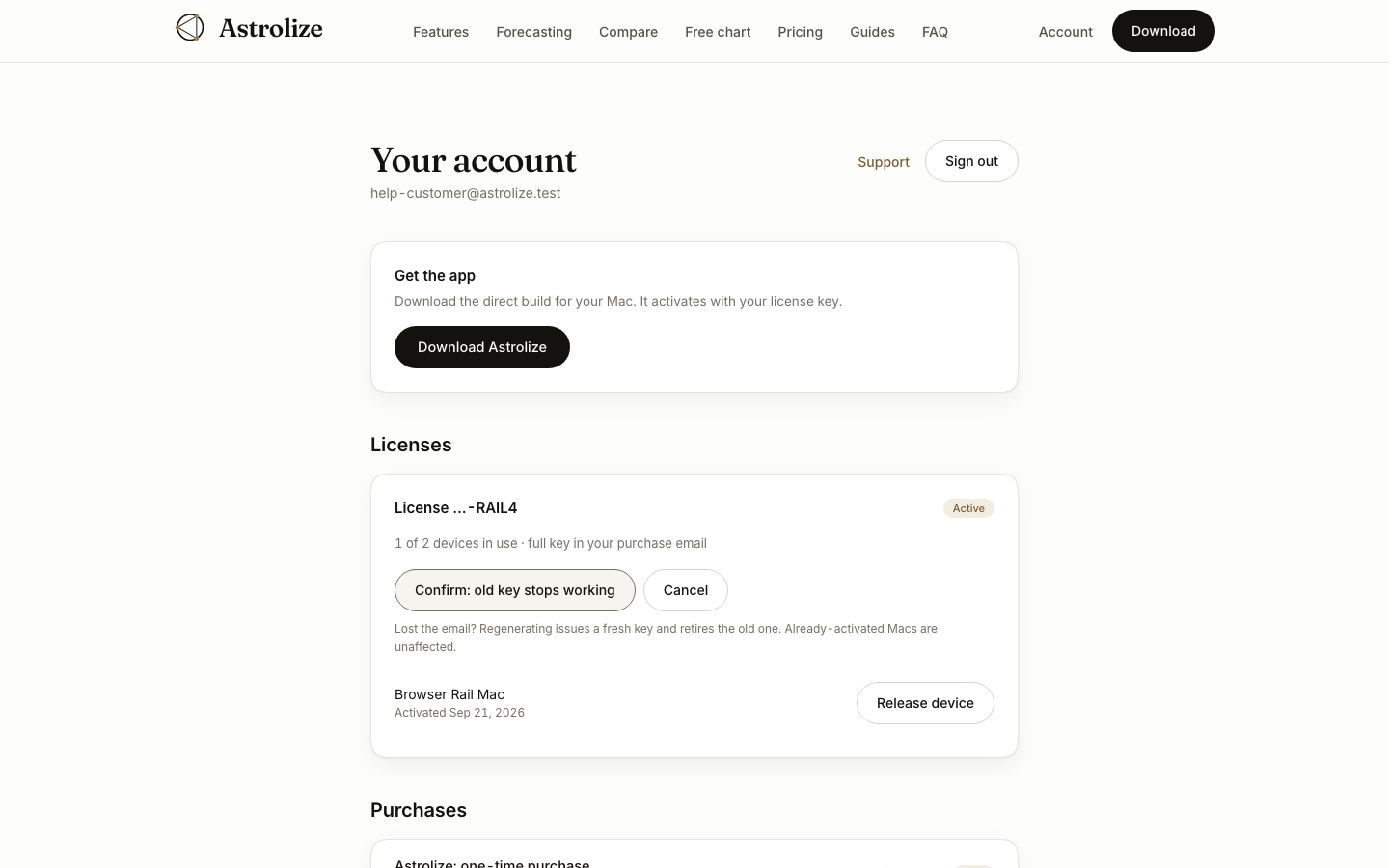
Sign in with the direct purchase address and open Purchases in Your account. Each entry shows its date, total, currency and status. This is a purchase overview, not a receipt download area.
Find the provider email
Direct receipts come from Stripe by email. Search the purchase inbox and spam folder, and compare the date and total with the account entry. If the receipt is missing, contact support from that address and identify the purchase by date and amount rather than sending payment credentials.
Use the right provider
Purchase channel | Where to look | Who handles payment questions |
|---|---|---|
Direct website purchase | Purchases in Your account and Stripe email | Astrolize support |
Mac App Store | Apple purchase history and Apple receipt | Apple |
An Apple purchase never appears as a direct website license or purchase. Signing in under another address will not move a purchase into that account.