Recover a lost key
Sign in with the purchase email and regenerate the key if the original email is missing.
On this page (3 sections)
Recover the purchase email
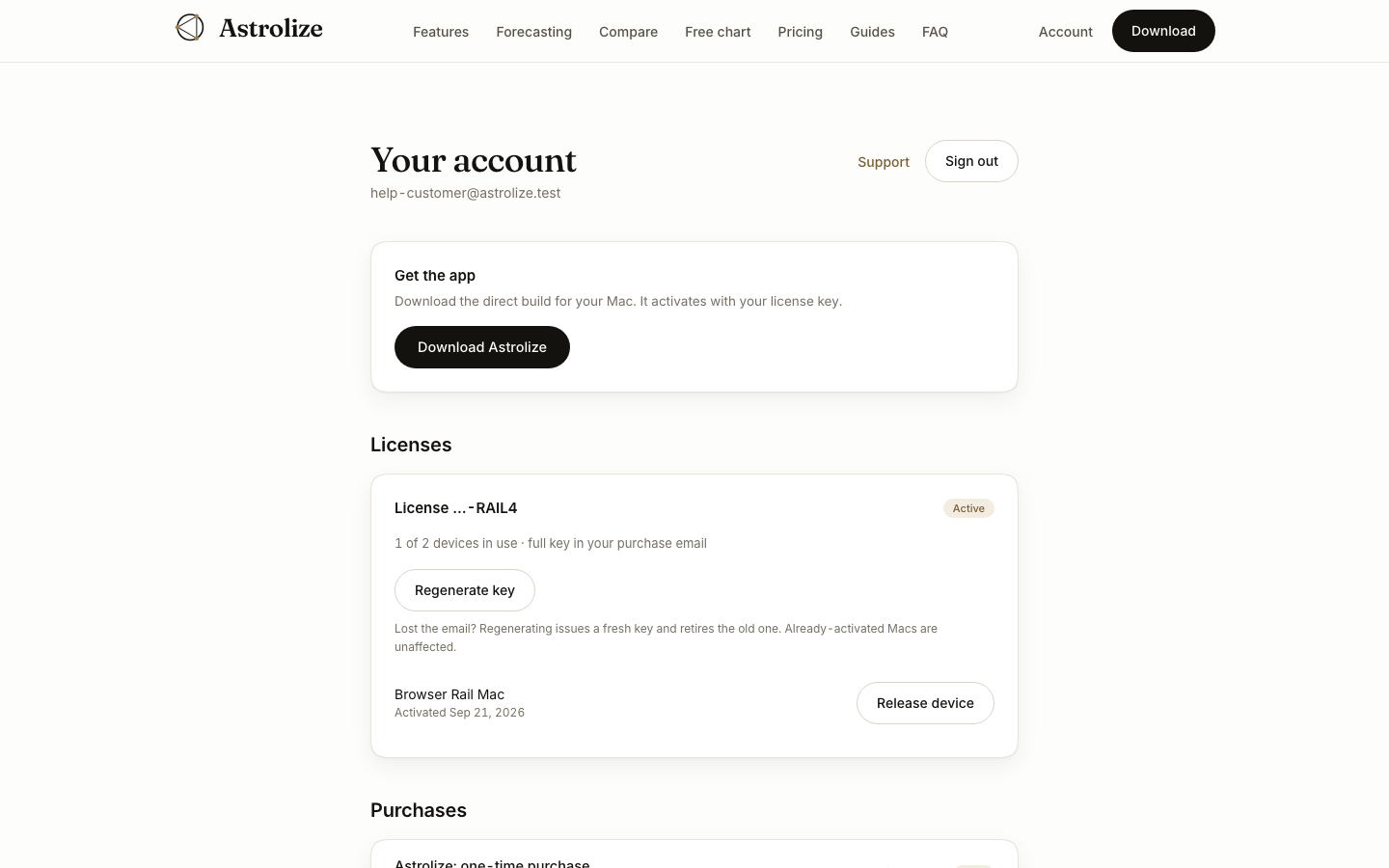
Search the purchase inbox, spam folder and archived messages for Astrolize. A website license card shows a hint only, so copying that hint into the app will not activate it.
Recover through the account
Open /sign-in and use the email address from the direct purchase receipt.
Open the newest sign-in link and check Licenses in Your account.
For an active license, use the regeneration action if the original key is no longer available.
The account displays the replacement once and attempts email delivery. Copy it privately before leaving that view. The old key is retired for new activations, while already activated Macs remain unaffected.
If access is still missing
An App Store purchase has no direct key to recover. If the direct purchase belongs to an inbox you can no longer access, contact support and explain that situation. There is no self-service email transfer control on the account page.