Download Astrolize
Get the direct Mac build from your eligible account or download your App Store purchase through Apple.
On this page (3 sections)
Open your eligible account
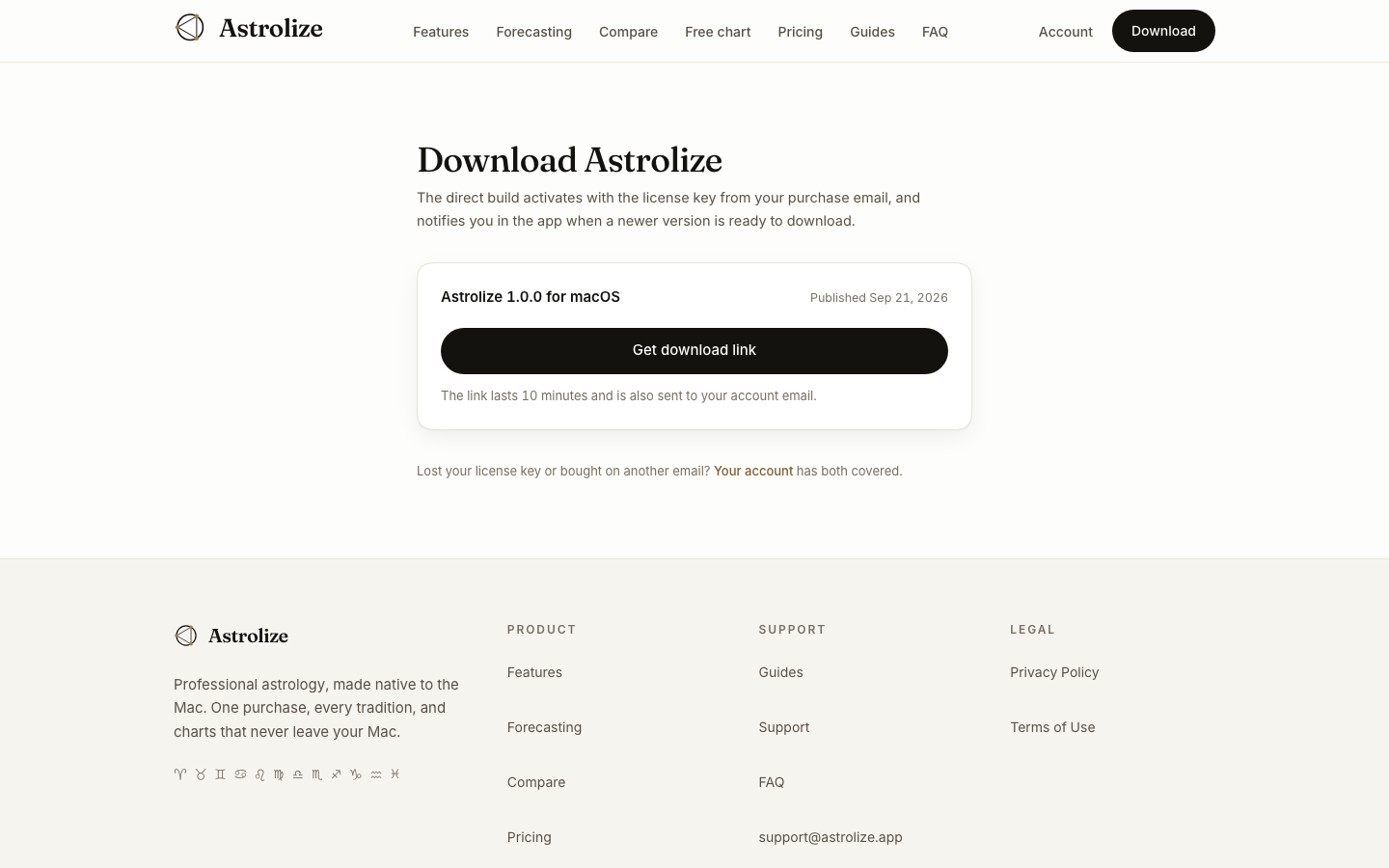
Sign in at /sign-in with the email address used for the direct purchase.
In Your account, choose Download Astrolize under Get the app, or open /download.
Check the macOS build version and publication date before requesting a download.
Request a fresh download
The direct download needs an eligible license and a published build. If Downloads open shortly appears, the account has no downloadable build to offer yet. Do not look for an unofficial mirror or make another purchase to remove that state.
Download links last ten minutes. Return to the download page for a new link when an older one expires. Keep the link private rather than forwarding it.
Use the matching channel
An App Store purchase installs through Apple, not this page. The direct build asks for the key from the direct purchase email. macOS 15 (Sequoia) or later is required; check the actual release information for hardware compatibility.