Use partner assets
Find approved promotional assets and describe Astrolize accurately when sharing your code.
On this page (3 sections)
Open approved materials
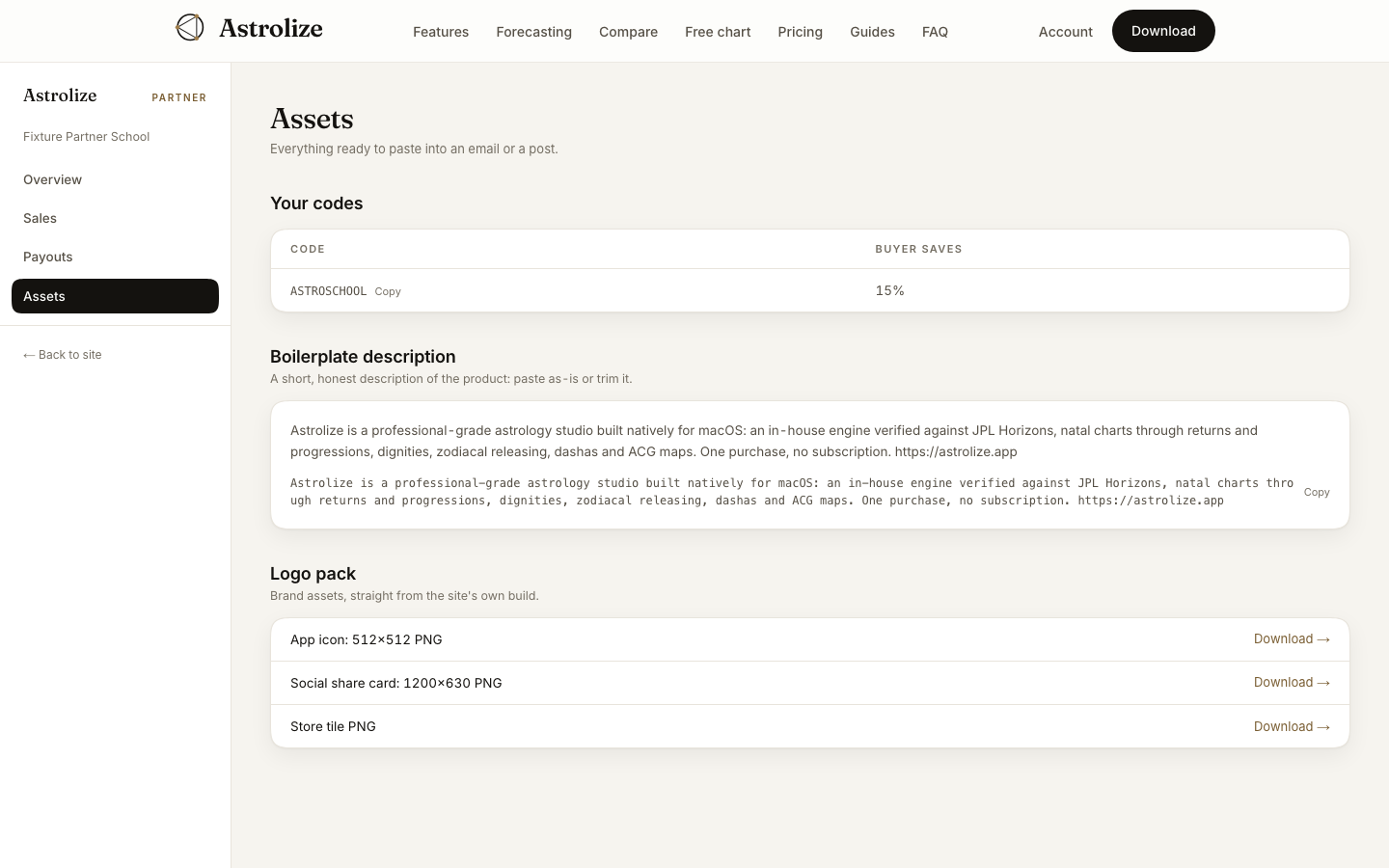
Sign in to the partner portal and open Assets at /partner/assets. Your codes lists the active codes and their buyer discounts. Check the current code before reusing an older promotion.
Use the description and logo pack
Boilerplate description provides copy you can reuse. Astrolize is a professional-grade astrology studio built natively for macOS. Keep that description accurate when shortening it; do not turn a technique into a guarantee of personal outcomes.
Logo pack offers App icon: 512×512 PNG, Social share card: 1200×630 PNG and Store tile PNG. Use the Download action beside the required asset.
Share only supported claims
The asset library is not a collection of verified Mac screenshots. Do not present website illustrations as captured app screens or invent a feature, price or release date. Check the current website before adding purchase information to a post.
If a needed format is absent, ask the program for it instead of altering the product mark or distributing unofficial screenshots.