Price, currency and VAT
Check the live checkout total, settlement currency and any tax shown before payment.
On this page (3 sections)
Check the live offer
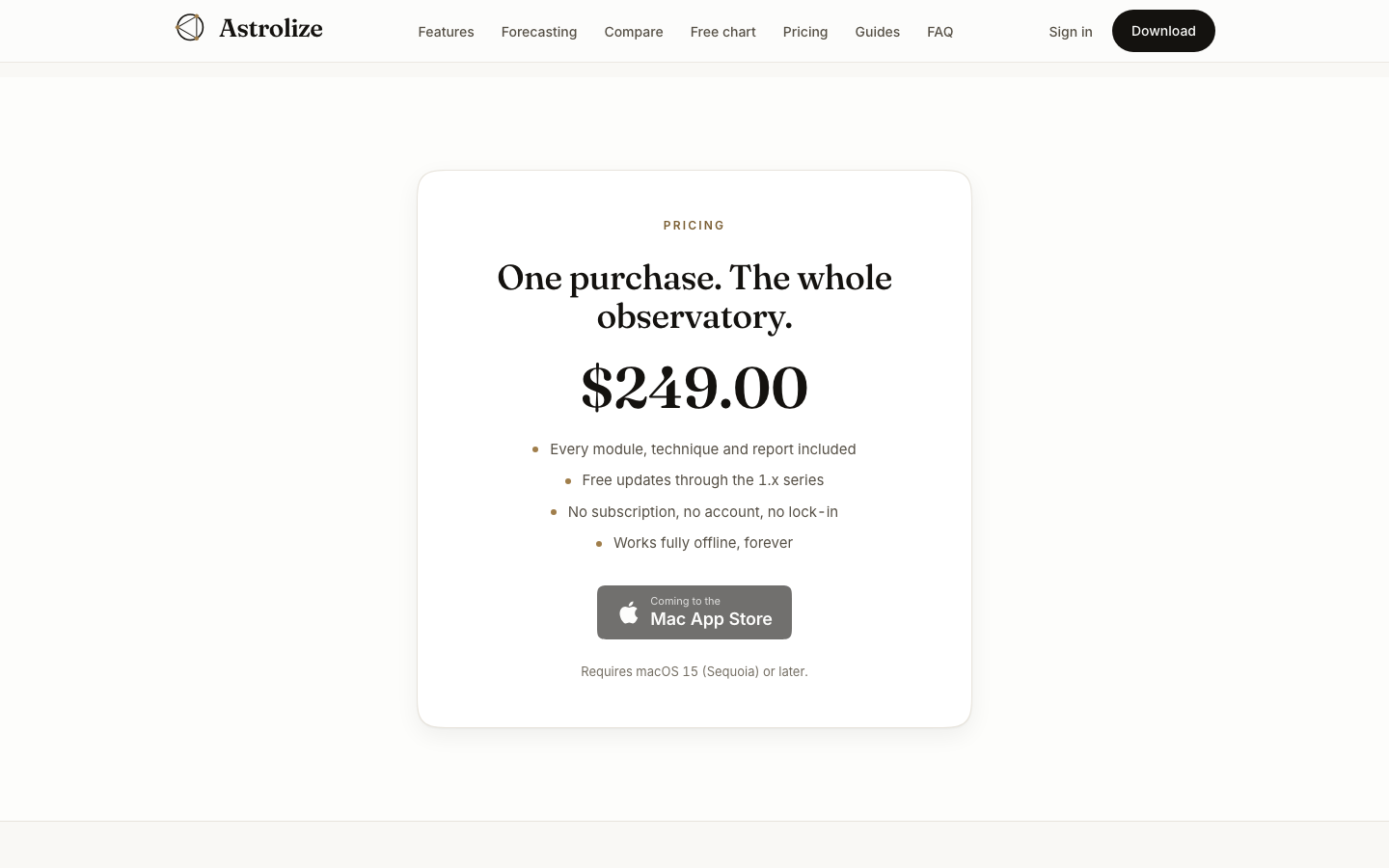
Open the pricing section on astrolize.app. Prices can change, so use the current offer rather than a number in an old screenshot, message or guide. If direct sales are not available, the pricing page is not an invitation to pay elsewhere.
Review the final total
Before paying in checkout, check the currency, any applied discount, tax shown and final amount. Tax treatment depends on the current checkout configuration and purchase details; do not assume every displayed price includes VAT.
Compare the payment channels
Check | Direct purchase | App Store purchase |
|---|---|---|
Current price | Website offer and final Stripe checkout | Apple listing and checkout |
Currency and tax | Review the final checkout | Review Apple's final total |
Receipt | Stripe email | Apple receipt |
If the total is not what you expected, stop before payment and ask support. On Checkout cancelled, Back to pricing returns to the website offer.