Move to a new Mac
Transfer your chart files separately and activate the new Mac within your seat allowance.
On this page (3 sections)
Back up the old Mac first
Open each saved chart you need and choose Export Chart to create an .astrochart file. Keep an independent copy before changing devices. Settings exports are separate from chart exports.
Prepare the license
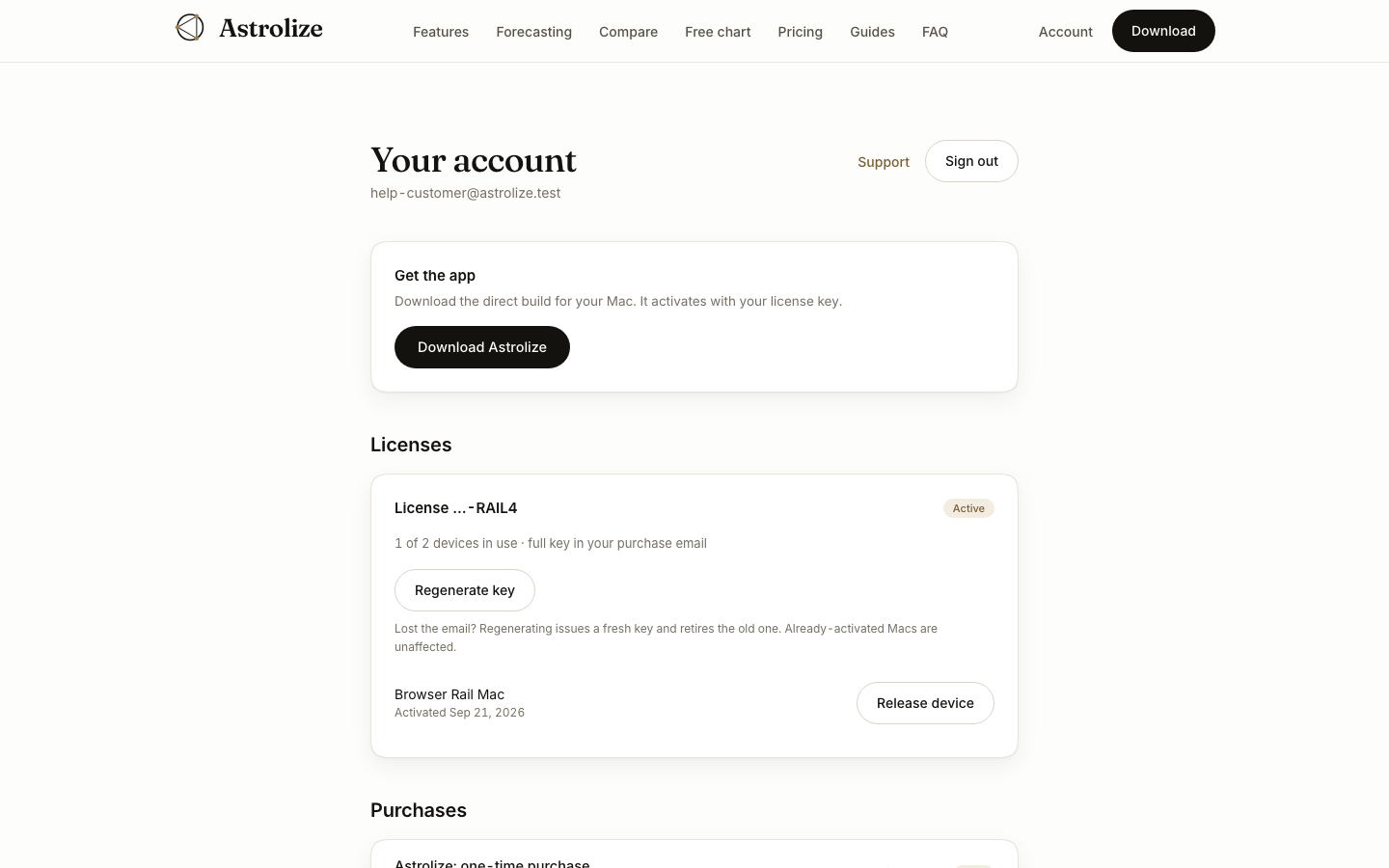
In Your account, read the actual device allowance under Licenses. If the old direct installation is being retired, use Settings, License, Deactivate This Mac on that Mac when possible. Releasing a seat on the website alone does not remove a stored key from the device.
Set up the new Mac
Install through the original purchase channel.
For a direct purchase, activate with the current key while connected to the internet and within the seat allowance.
Transfer your exported files separately, then use Import Chart or open an .astrochart file.
Check the imported birth data and calculation settings before relying on the result.